Designing BeeReader for the Apple Watch
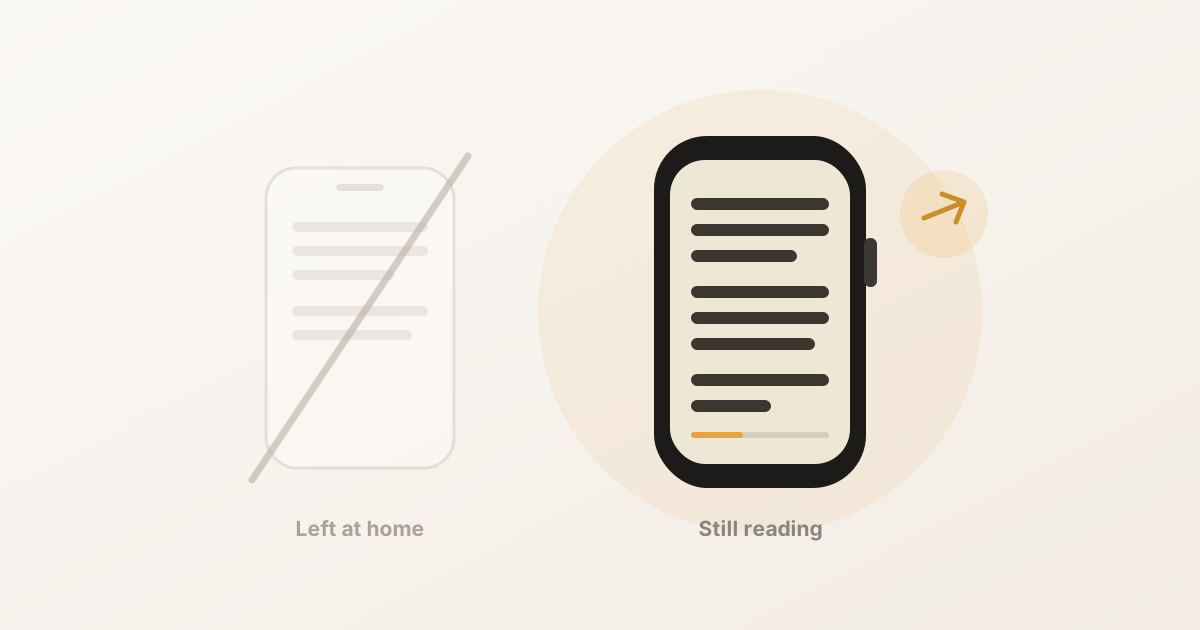
How we shrank a comfortable reading experience down to a 45mm screen without losing the calm — the constraints, the type choices, and the tricks that made it feel effortless.
The Bee Blog
Thoughts on design and craft, plus practical guides for our apps. New writing, a little at a time.
How we shrank a comfortable reading experience down to a 45mm screen without losing the calm — the constraints, the type choices, and the tricks that made it feel effortless.
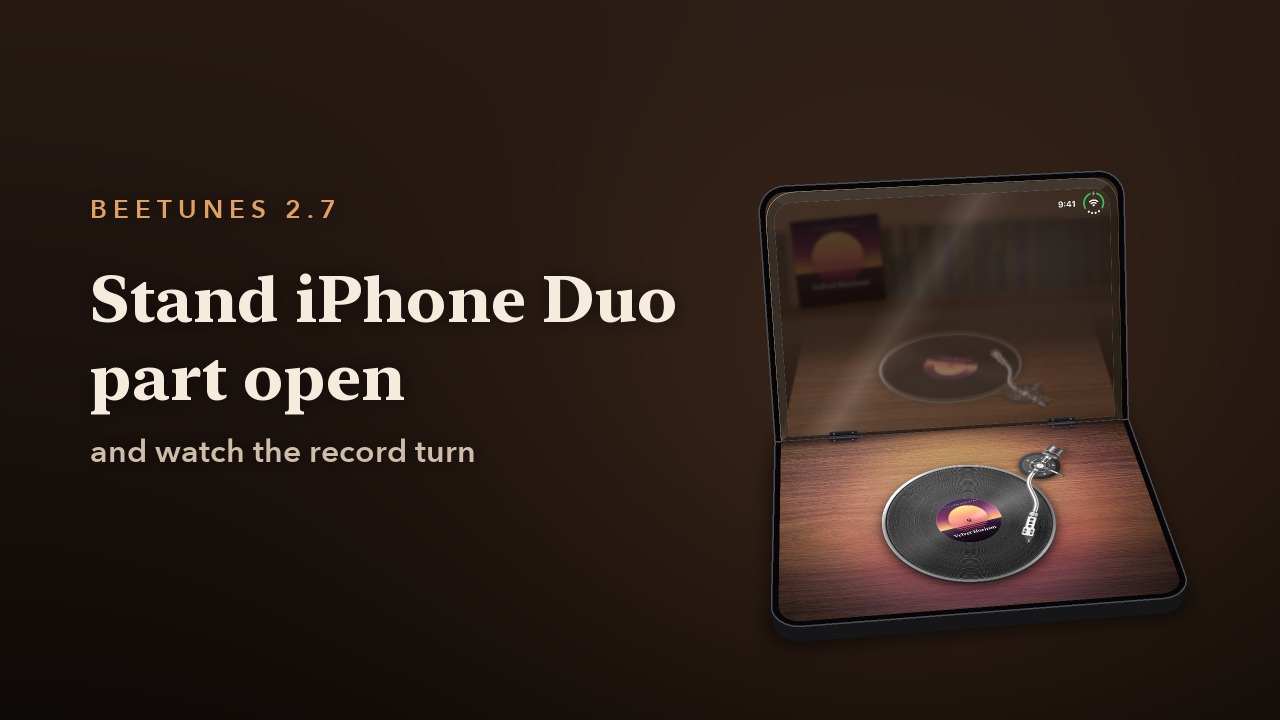
Stand iPhone Duo part open and BeeTunes lays a turntable on the lower half under a raised dust cover — or a CD player or cassette deck with the track list laid out below. Here's what each way of holding the Duo does.
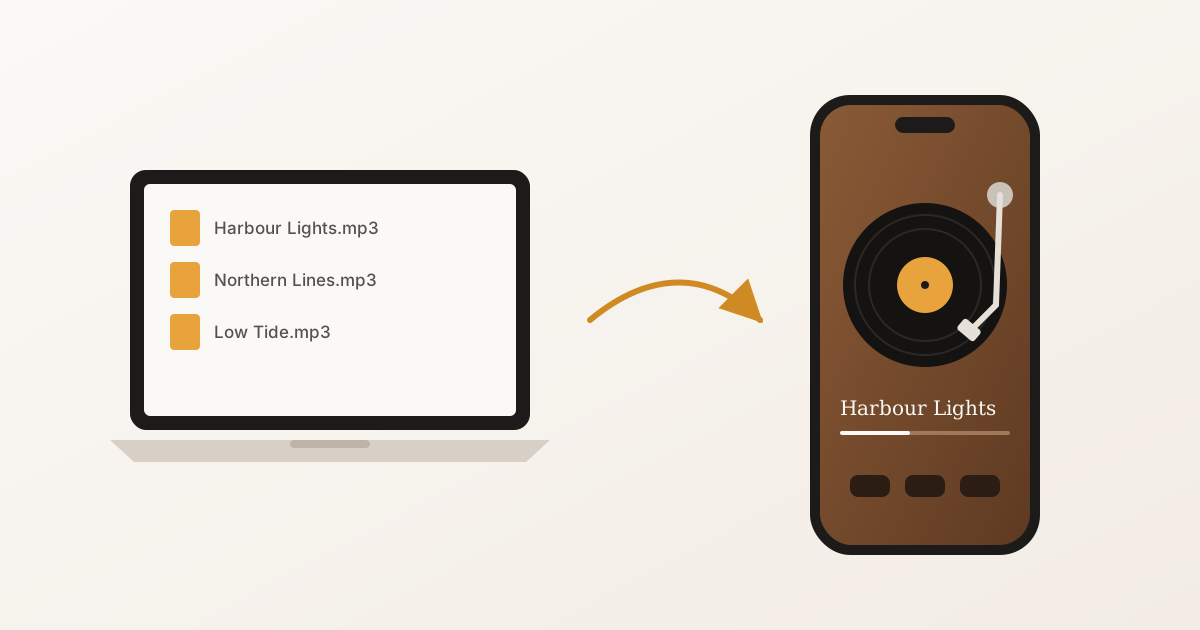
iTunes is gone, and the Music app won't take a file from the Files app. Here are three ways to get your own MP3s onto an iPhone — AirDrop, iCloud Drive, or a cable — and play them offline.
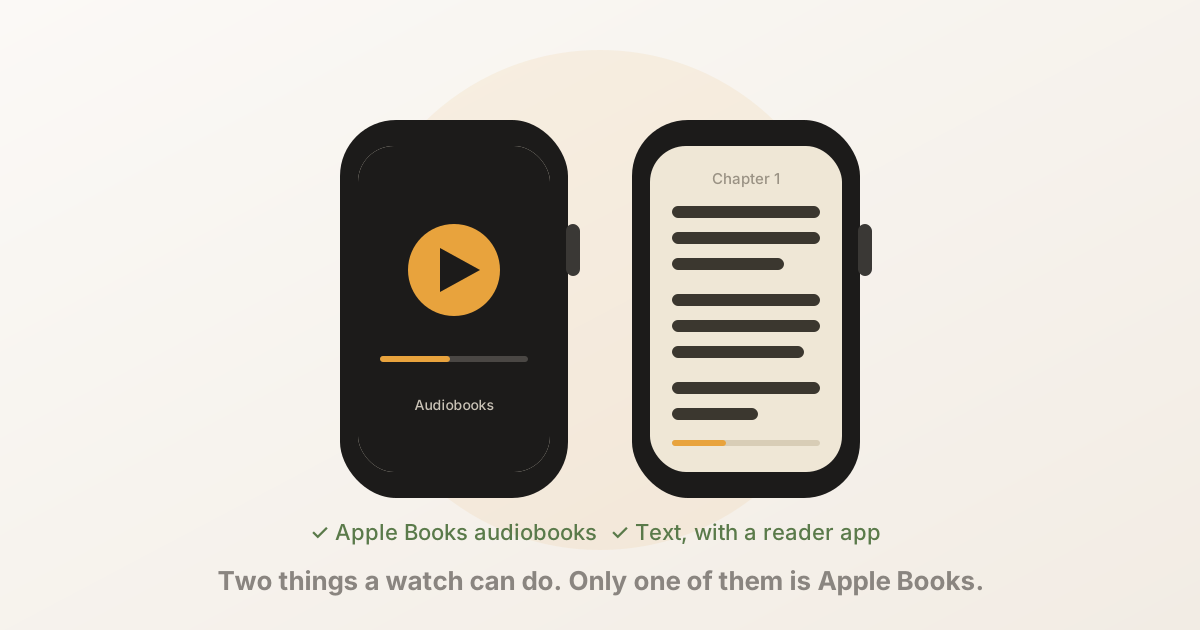
The Apple Watch can play your Apple Books audiobooks, but it cannot show the text of an Apple Books ebook — there is no reading view, and purchases are DRM-protected. Here's exactly what works, what doesn't, and how to read on the watch anyway.
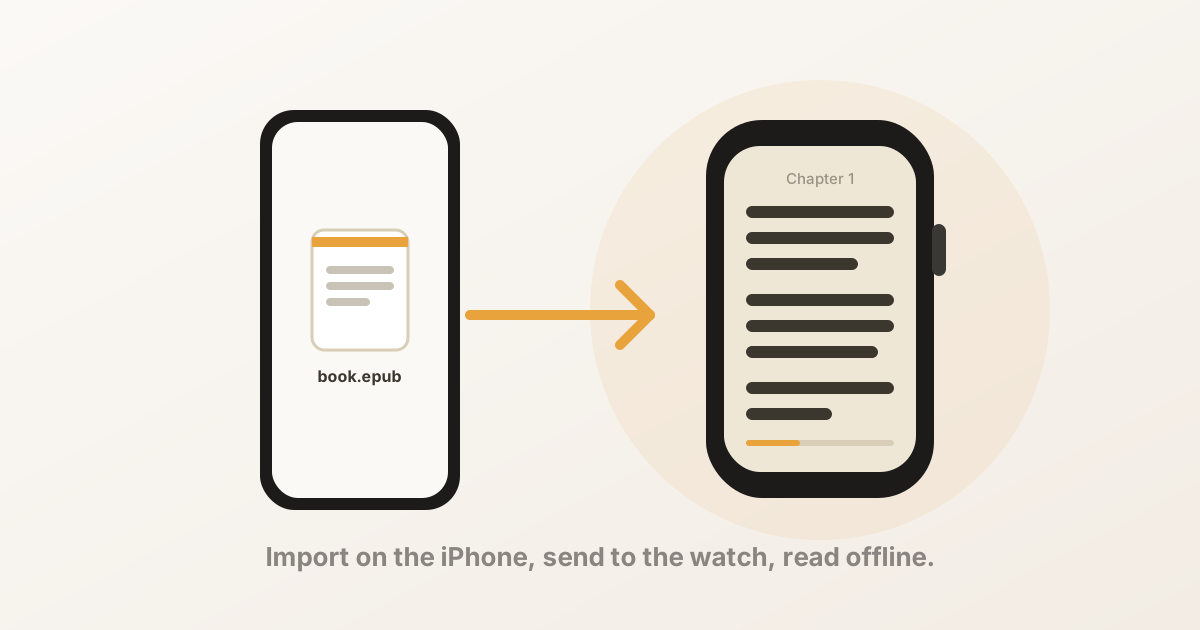
You can read an EPUB on an Apple Watch in three steps: import the file on your iPhone, send it to the watch, and read with the Digital Crown. Here's the full walkthrough, what to do when the book doesn't arrive, and why a DRM-protected EPUB won't work.
BeeReader has a built-in shelf of public-domain classics from Standard Ebooks — Conan Doyle, Austen, Wells, Stevenson, Marcus Aurelius and more — that download straight to your Apple Watch with no file to find. Here are the ones that read best on a wrist, and why the full 1,500-book catalogue is US-only.
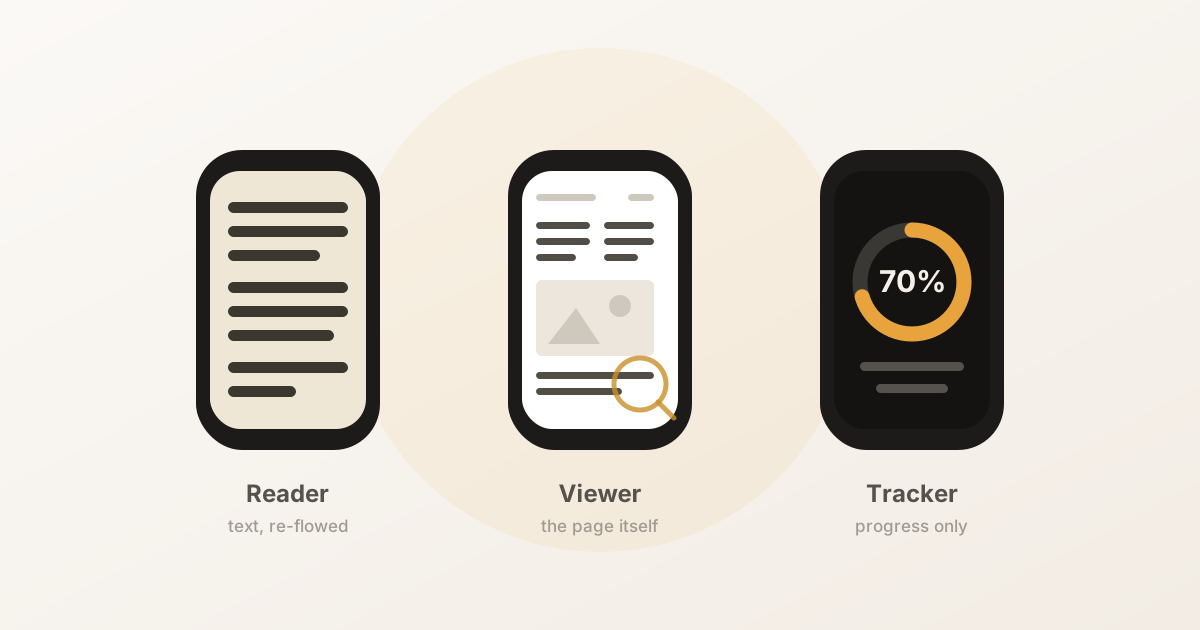
Nine apps put books and documents on your wrist, and they do three genuinely different jobs. A comparison with verified prices, ratings and update dates — including where our own app loses.
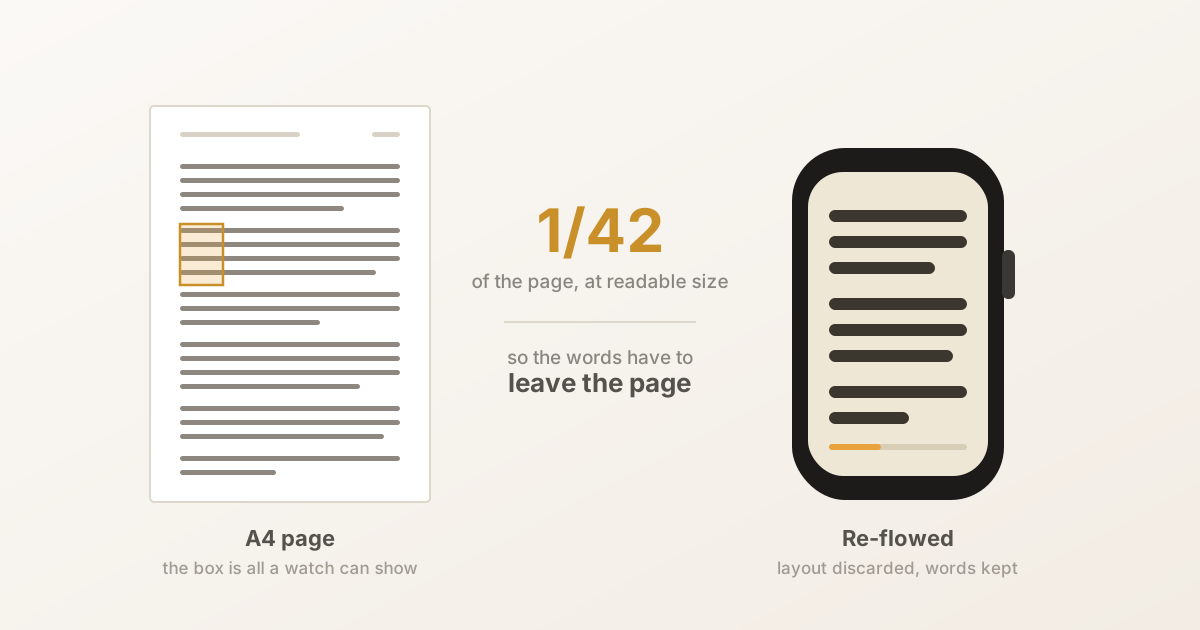
Fitting an A4 page on a watch means shrinking 11pt type to 1.7pt, and zooming back in leaves you reading a fortieth of the page through a keyhole. The arithmetic rules out showing the page — so the words have to leave it. What that costs, and what it takes.
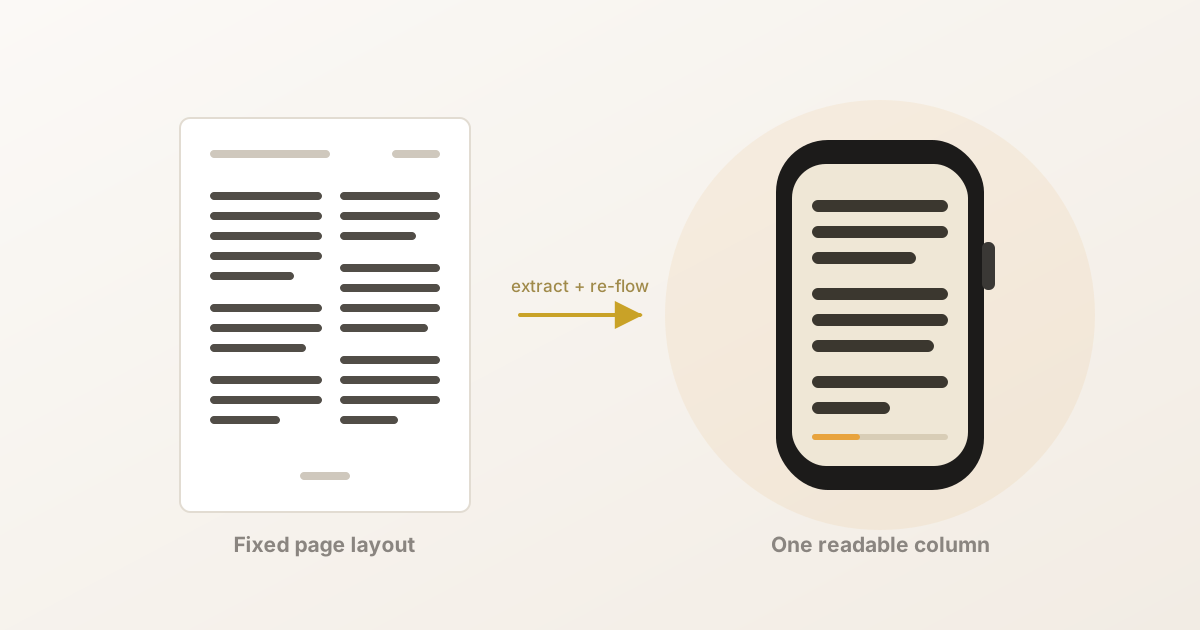
watchOS has no built-in PDF support, but there are two very different ways to get one onto your wrist — viewing the page, or reading the text. Here's which you want, which apps do each, and why PDFs break in ways EPUBs don't.
Yes — provided the book is stored on the watch rather than streamed from your phone. Here's the difference, a 30-second test to check which kind of app you have, and the one step that always needs the iPhone.