Can You Read Books on an Apple Watch Without Your iPhone?
Yes — provided the book is stored on the watch rather than streamed from your phone. Here's the difference, a 30-second test to check which kind of app you have, and the one step that always needs the iPhone.
Created by Bee
Updated 3 October 2026
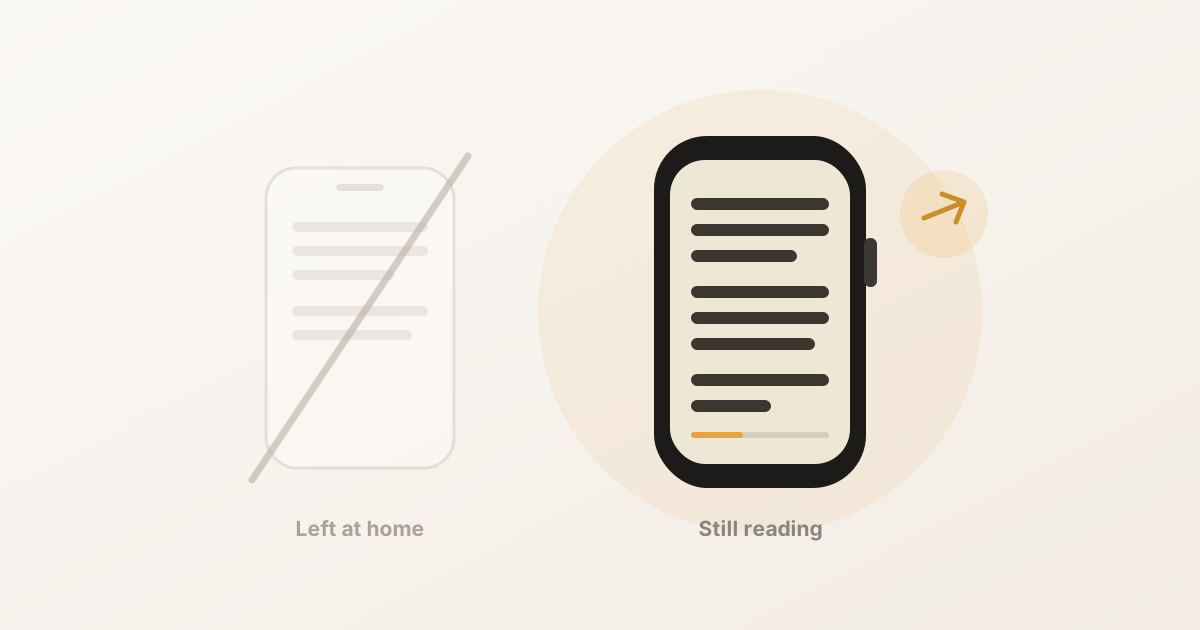
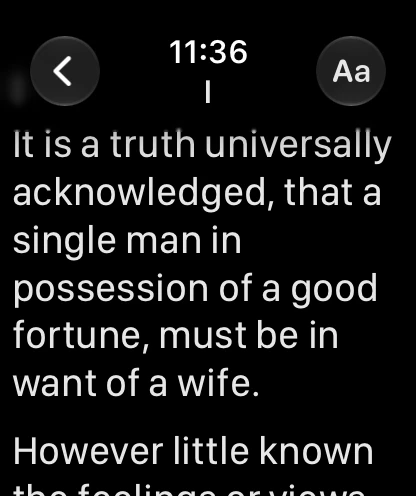
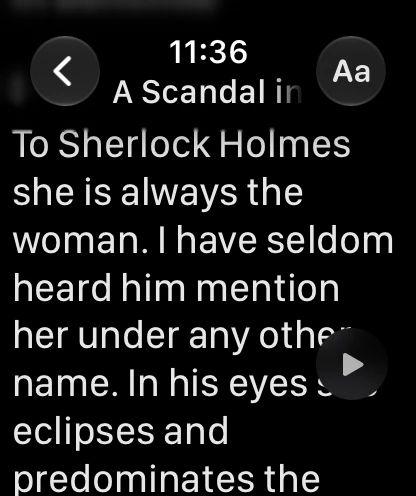
Short answer: yes — as long as the book actually lives on the watch. Once the text has been transferred, a good reader app needs no phone, no Wi-Fi and no cellular. It works in Airplane Mode with your iPhone switched off in another building.
The catch is that not every app works that way, and the App Store descriptions don’t always make it obvious. Here’s how to tell, and what the phone is still needed for.
”Without my iPhone” means three different things
People asking this question usually mean one of these, and they have different answers:
| What you mean | Works? |
|---|---|
| Phone in another room, out of Bluetooth range | Yes |
| Phone left at home — a run, the gym, a walk | Yes |
| Watch in Airplane Mode, no network at all | Yes |
| Getting a new book onto the watch with no phone | No |
That last row is the real constraint, and it’s structural rather than a limitation of any particular app. watchOS has no Files app and no web browser, so the watch has no way to fetch a file on its own. The file has to be imported on the iPhone and sent across — once, per book.
So the honest shape of it is: getting a book onto the watch needs the phone; reading it never does. Load a few books before you leave, and the phone stays where you left it.
The 30-second test
If you already have a reading app and want to know which kind it is, this settles it:
- Transfer a book to the watch as usual.
- Put the watch in Airplane Mode — swipe up for Control Centre and tap the aeroplane.
- Switch the iPhone off completely. Not silent, not face-down — off.
- Open the app on the watch and read.
If the text appears and scrolls, the book is genuinely stored on the watch and you’re set. If you get a spinner, an empty library, or a message asking you to connect to your iPhone, the app is mirroring the phone rather than storing on the watch — and it will fail you exactly when you wanted it, which is the moment you left the phone behind.
Worth doing before a flight or a long run rather than during one.
What cellular does and doesn’t buy you
A cellular Apple Watch is genuinely useful — messages, calls, maps and streaming audio with no phone nearby. It does not change anything about books.
There’s still no Files app to save an EPUB into, no browser to download one with, and no way to pull a PDF out of an email attachment on the watch. Cellular gives the watch a connection; it doesn’t give it the plumbing to use one for arbitrary files. If you’re weighing a cellular model specifically for reading, don’t — a GPS model with books preloaded does exactly the same job.
Storage, battery and the practical limits
Storage is a non-issue. Books are plain text, which compresses several times over. A full-length novel lands well under a megabyte, against the tens of gigabytes on a modern Apple Watch. You can carry a shelf.
Battery is the real limit, and it’s the screen rather than the reading that costs you. Expect something like a long workout view. Two things help: a black theme, which on an OLED Apple Watch (Series 4 and later) genuinely switches those pixels off, and auto-scroll, which lets you keep the wrist-raise gesture out of it.
Reading position stays local. A well-built reader tracks where you are on the watch itself, so a phone-free week of reading doesn’t lose your place — it’s saved on the watch and reconciled later, not held on the phone.
The one thing Apple does support phone-free
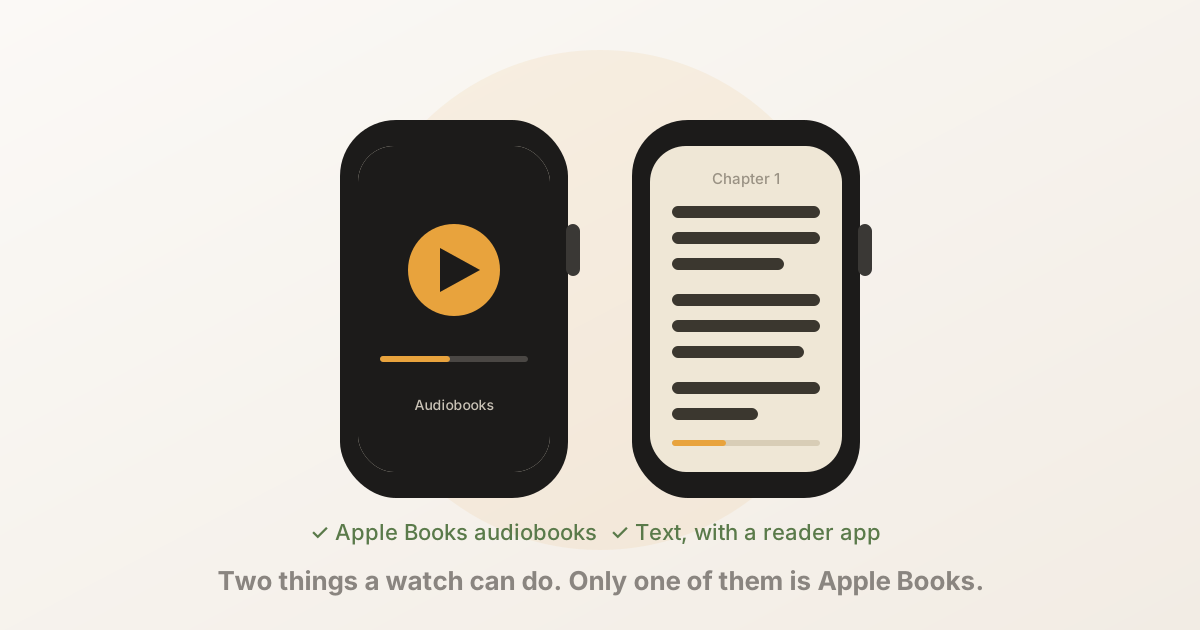
Worth knowing, since it’s the source of most of the confusion online: audiobooks work natively. Apple’s Audiobooks app syncs titles from your Apple Books library down to the watch, and they play to Bluetooth headphones with no phone present at all.
So if what you want is a book in your ears on a run, you don’t need any of this — that’s built in. It’s the text of a book that Apple has never supported on the watch, and that’s the gap third-party readers fill.
The short version
- Reading a book on the watch needs no phone, no Wi-Fi and no cellular — provided the app stores books on the watch.
- Loading a book always needs the phone once, because watchOS has no Files app and no browser.
- Test it with the watch in Airplane Mode and the phone switched off, before you rely on it.
- Cellular doesn’t help with books. Preload instead.
- Audiobooks already work phone-free through Apple’s own app.
BeeReader is built this way by design: books are stored on the watch, reading works entirely offline, there’s no account and no data collection, and the phone is only involved when you add a new book (or, in an illustrated EPUB, when you open a picture you didn’t send along with the book). It’s free to start, and reads TXT, EPUB and PDF.
If you’re new to this, the full guide to reading books on an Apple Watch on Read on Watch, our site of reading guides, covers formats and setup.
Frequently asked questions
- Can you read books on an Apple Watch without your iPhone?
- Yes, if the reading app stores the book on the watch itself. Once the text has been transferred, reading needs no phone, no Wi-Fi and no cellular — it works in Airplane Mode with the phone switched off. Apps that mirror or stream from the phone do not work this way, so it depends which kind you installed.
- Do I still need my iPhone to get the book onto the watch?
- Yes, once per book. watchOS has no Files app and no web browser, so there is no way for the watch to fetch a file by itself. You import the file on the iPhone and it transfers over Bluetooth. After that the phone is not involved again.
- Does a cellular Apple Watch let me download books directly?
- Not in practice. Cellular gives the watch a network connection, but there is still no Files app or browser to download an EPUB or PDF with, so the file continues to come from your phone. Cellular helps with messages, calls and streaming audio — it does not change how books get onto the watch.
- How can I tell whether a reading app really works offline?
- Transfer a book, then put the watch in Airplane Mode and switch the iPhone off completely. Open the app and read. If the text is there, the book is genuinely stored on the watch. If you get a spinner or a message asking you to connect to your iPhone, the app is mirroring rather than storing.
- How much storage do books take on an Apple Watch?
- Very little. Books are plain text, which compresses several times over, so a full-length novel lands well under a megabyte — a rounding error against the tens of gigabytes a modern Apple Watch has. Storage is not the constraint; getting the file across is.
- Do audiobooks work on Apple Watch without the iPhone?
- Yes. Apple's own Audiobooks app syncs titles from Apple Books to the watch, and they play to Bluetooth headphones with no phone present. That is the one part of book reading Apple supports natively — the text of a book is the part that needs a third-party app.