Apple Books on Apple Watch: Audiobooks Yes, Ebooks No
The Apple Watch can play your Apple Books audiobooks, but it cannot show the text of an Apple Books ebook — there is no reading view, and purchases are DRM-protected. Here's exactly what works, what doesn't, and how to read on the watch anyway.
Created by Bee
Updated 3 October 2026
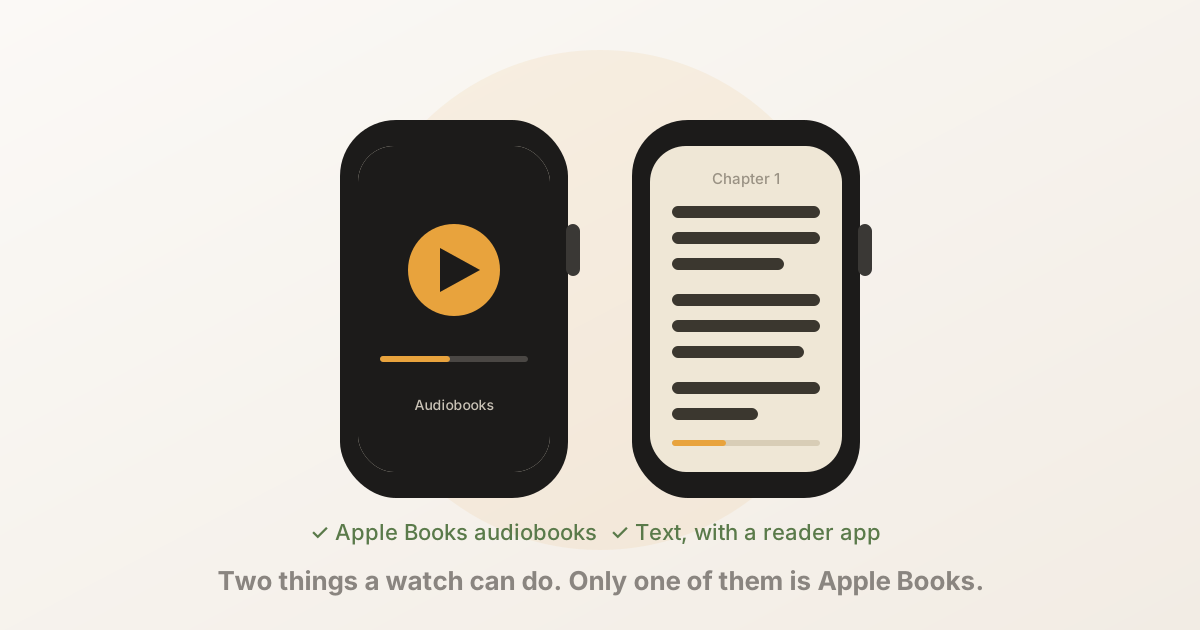
Short answer: the Apple Watch plays Apple Books audiobooks and reads none of its ebooks. The Audiobooks app on the watch is the whole of Apple Books’ wrist presence. There is no reading view for ebooks, there never has been, and because Book Store purchases are DRM-protected, no other app can show them either.
To read text on the watch you need a DRM-free file — an EPUB, TXT or PDF — and a third-party reader app that sends it over from your iPhone. This page covers both halves: what Apple Books does on the watch, and what to use for everything it doesn’t.
Disclosure: we make BeeReader, the reader app used as the example below. It can’t open Apple Books purchases either — nothing can — so this page is as much about what not to expect as what to install.
What Apple Books does on the watch
| What you want | On the Apple Watch? |
|---|---|
| Play an audiobook from your Apple Books library | Yes — the Audiobooks app, synced from the iPhone |
| Play it without the iPhone nearby | Yes, once it has synced to the watch |
| Read an ebook you bought from the Book Store | No — no reading view exists |
| Read an EPUB or PDF you added to Apple Books yourself | Not in Apple Books; yes in a third-party reader, using the original file |
| See reading progress or “continue reading” for an ebook | No |
| Read Aloud (Apple Books’ text-to-speech) | No |
The Audiobooks app is worth knowing about if you listen: open the Watch app on your iPhone, go to Audiobooks, and add titles to sync. They play from the watch itself afterwards, through the speaker or paired headphones. It’s a capable little player.
The gap is text. Apple has had ten years of watchOS to add an ebook reading view to the watch and hasn’t — and the omission is deliberate rather than technical, because reading text on a watch works; Apple has just chosen not to do it.
Why a third-party app can’t fill the gap for your purchases
Every ebook sold on the Book Store is wrapped in FairPlay DRM: the file is encrypted and only Apple Books holds the key. That’s why an Apple Books purchase can’t be opened in any other app on the iPhone either. The watch is one more place the same lock applies, and there is no legitimate way round it. The same is true of Kindle and, for most titles, Kobo.
One important exception: books you added to Apple Books yourself — an EPUB from a DRM-free publisher, a PDF, a manuscript — were never locked. Apple Books was just holding a copy. You still have the original — in Files, in your downloads, in the email it arrived in — and that file can be read anywhere, including on your wrist.
How to read on the watch instead
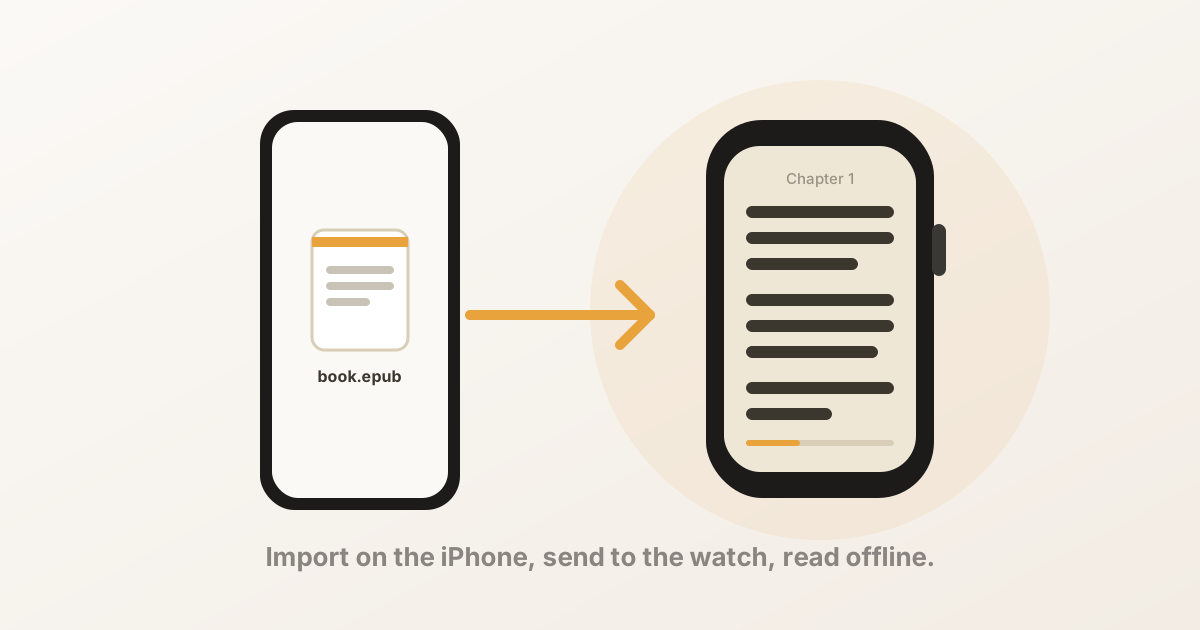
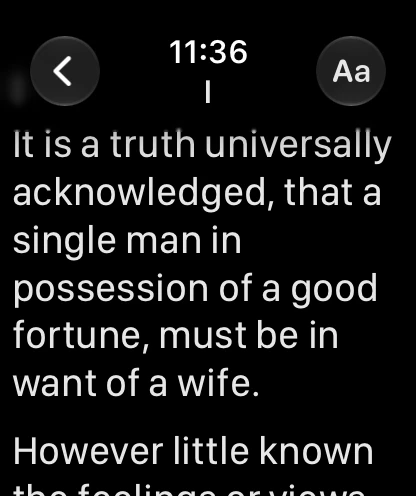
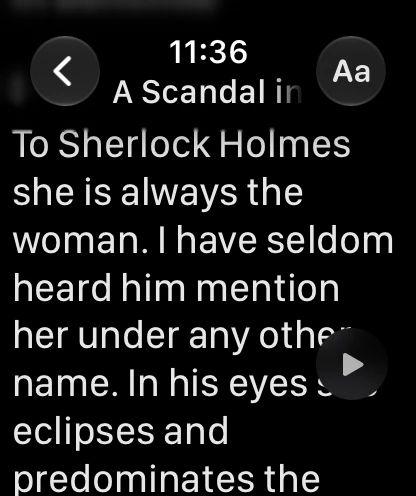
watchOS has no Files app and no browser, so every watch reader works the same way: the iPhone opens the file, extracts the text, and sends it to the watch over Bluetooth. After that the book is stored on the watch and reads offline.
With BeeReader:
- Get a DRM-free EPUB, TXT or PDF onto your iPhone — Files, iCloud Drive, a Mail attachment, AirDrop.
- Open BeeReader, tap Add a Book, and pick it — or use the Share sheet from wherever the file is.
- BeeReader sends it to the watch on its own. A novel takes a few seconds to a minute.
- On the watch, open the book and turn the Digital Crown. Your position saves automatically; a “continue reading” complication on the watch face takes you straight back.
There’s a full walkthrough in How to put an EPUB on your Apple Watch.
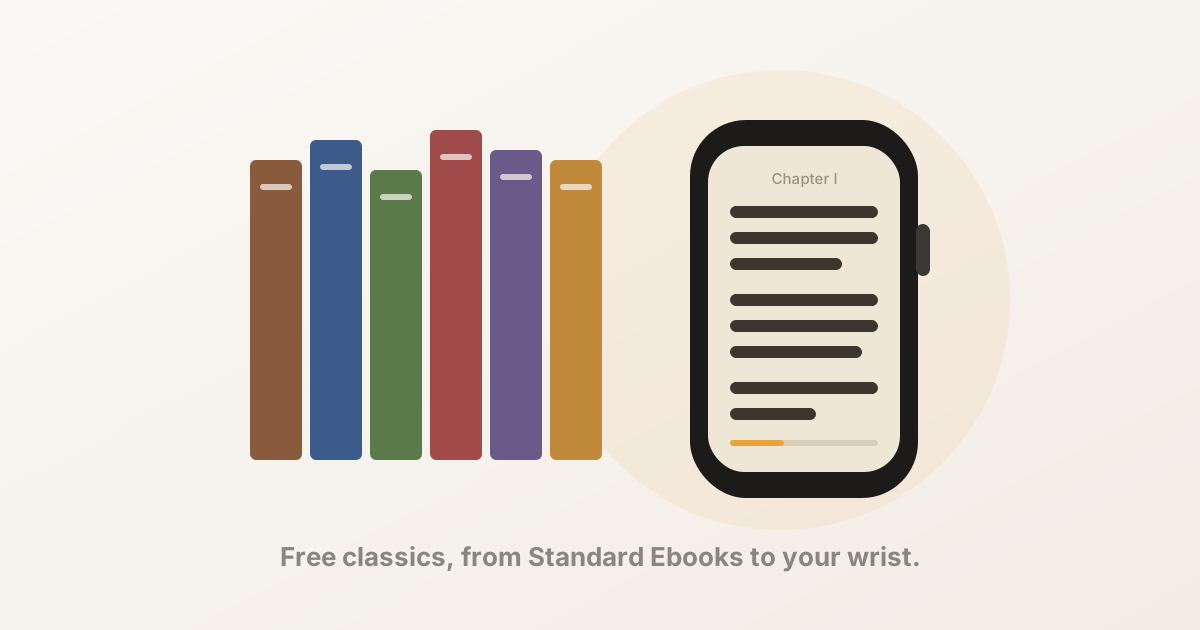
If you don’t have a file to hand, BeeReader has a built-in shelf of public-domain classics from Standard Ebooks — Sherlock Holmes, Austen, Wells, Meditations — that download straight to the watch. Here’s the shelf.
Listening versus reading aloud
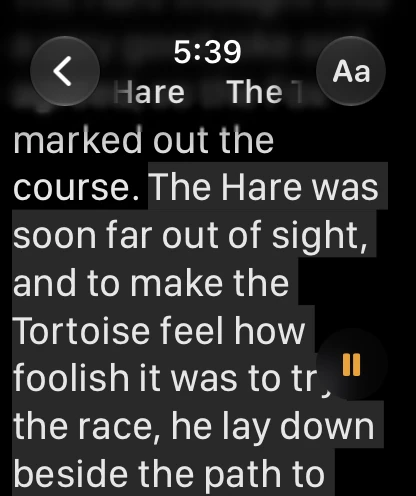
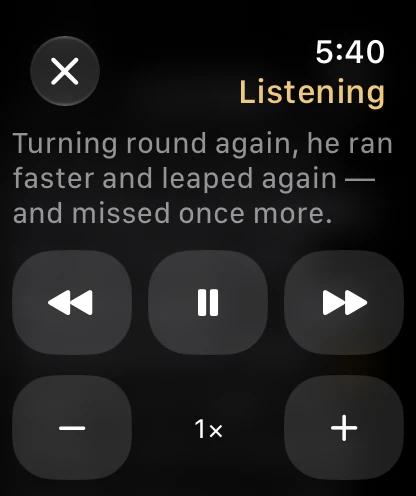
If what you liked about Apple Books on the watch was the audiobooks, one honest comparison. BeeReader can read a book aloud on the watch — a built-in voice reads the text through your Bluetooth headphones (not the watch’s speaker) while the page follows along, and the speed goes from 0.25× to 2×. It is not an audiobook: there’s no narrator, just a synthesised voice reading your file. For a reference book or an article it’s handy; for a novel you loved in a performer’s voice, keep the audiobook.
The short version
- Apple Books on the Apple Watch means the Audiobooks app — and nothing else. There is no ebook reading view.
- Book Store purchases are DRM-locked and can’t be opened by any other app, on the watch or off it.
- Files you added to Apple Books yourself are not locked; use the original file.
- A third-party reader puts DRM-free EPUB, TXT and PDF text on the wrist, where it reads offline with the Digital Crown.
- No file to hand? Free public-domain classics are built into BeeReader.
BeeReader is on the App Store. The first three books are free, and unlimited imports are a one-time BeeReader Pro purchase — no subscription. No account, fully offline, no data collected.
Frequently asked questions
- Can you read Apple Books on an Apple Watch?
- Not the text. watchOS has an Audiobooks app that plays audiobooks from your Apple Books library, but there is no reading view for ebooks on the watch and Apple has never shipped one. Ebooks bought from the Book Store are also DRM-protected, so no third-party app can open them either.
- Is there an Apple Books app on the Apple Watch?
- There is an Audiobooks app, which is the watch half of Apple Books. It syncs audiobooks from the iPhone and plays them through the watch's speaker or headphones. It does not open ebooks.
- Can I export an ebook from Apple Books to read it elsewhere?
- Purchases from the Book Store, no — they are locked to Apple Books by DRM. Files you added to Apple Books yourself (your own EPUBs or PDFs) were never locked; use the original file wherever you got it from.
- How do I read a book on an Apple Watch, then?
- With a third-party reader app and a DRM-free file. The app imports an EPUB, TXT or PDF on your iPhone and sends the text to the watch, where you read it with the Digital Crown, offline. BeeReader also has a built-in shelf of free public-domain classics so you don't need a file at all.
- Does the Audiobooks app on the watch need the iPhone?
- Not once the audiobook has synced to the watch. Add it in the Watch app on your iPhone under Audiobooks, wait for the sync, and it plays from the watch itself — on a run, with the phone at home.