How to Read Books on Your Apple Watch (EPUB, PDF and TXT)
Yes, you can read actual books — not just audiobooks — on an Apple Watch. Here's what Apple supports natively, which third-party apps do the job, how to get an EPUB or PDF onto your wrist, and what wrist reading is honestly like.
Created by Bee
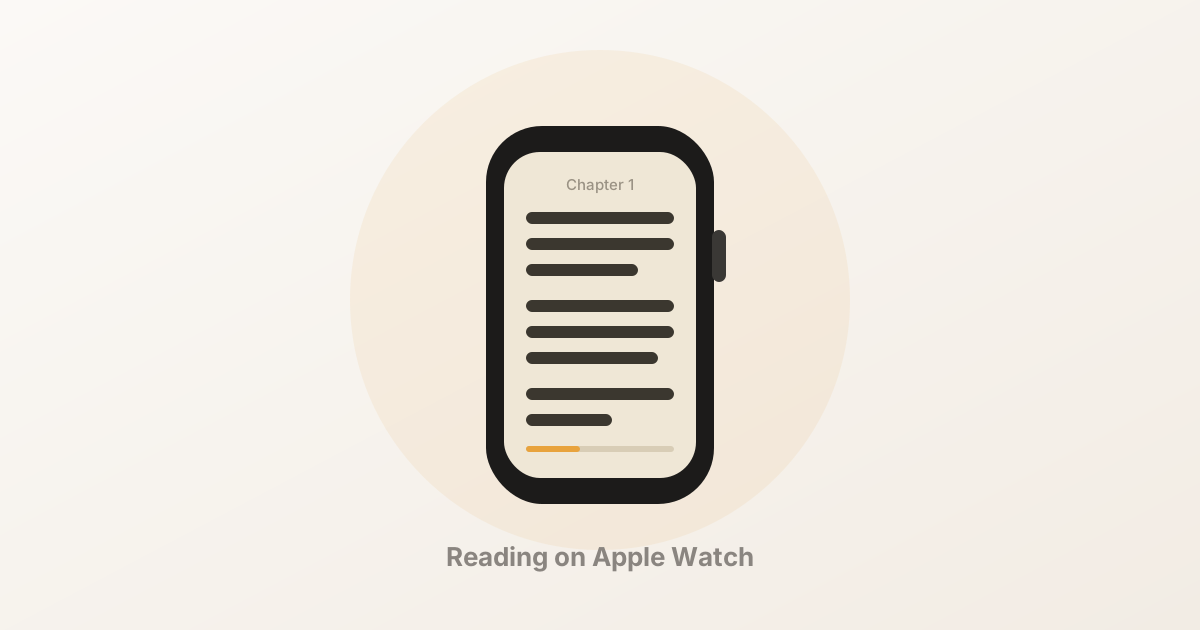
Short answer: yes — but not with Apple Books. watchOS has an Audiobooks app, so Apple’s own software will happily read a book to you. It has no built-in way to read the text of a book. For that you need a third-party reader app, which imports a file on your iPhone and sends the text to your watch, where it lives offline.
This guide covers what Apple actually supports, which apps do the job, how the transfer works in practice, and — the part nobody writes down — what reading on a 45mm screen is genuinely like.
Disclosure: we make BeeReader, one of the apps listed below. We’ve tried to describe the alternatives fairly and from their own App Store listings; check them yourself before you buy anything.
What the Apple Watch supports natively
It’s worth being precise here, because searching for “read books on Apple Watch” mostly turns up audiobook articles.
| What you want | Works natively? |
|---|---|
| Listening to an audiobook | Yes — the Audiobooks app, synced from Apple Books |
| Reading an Apple Books ebook | No |
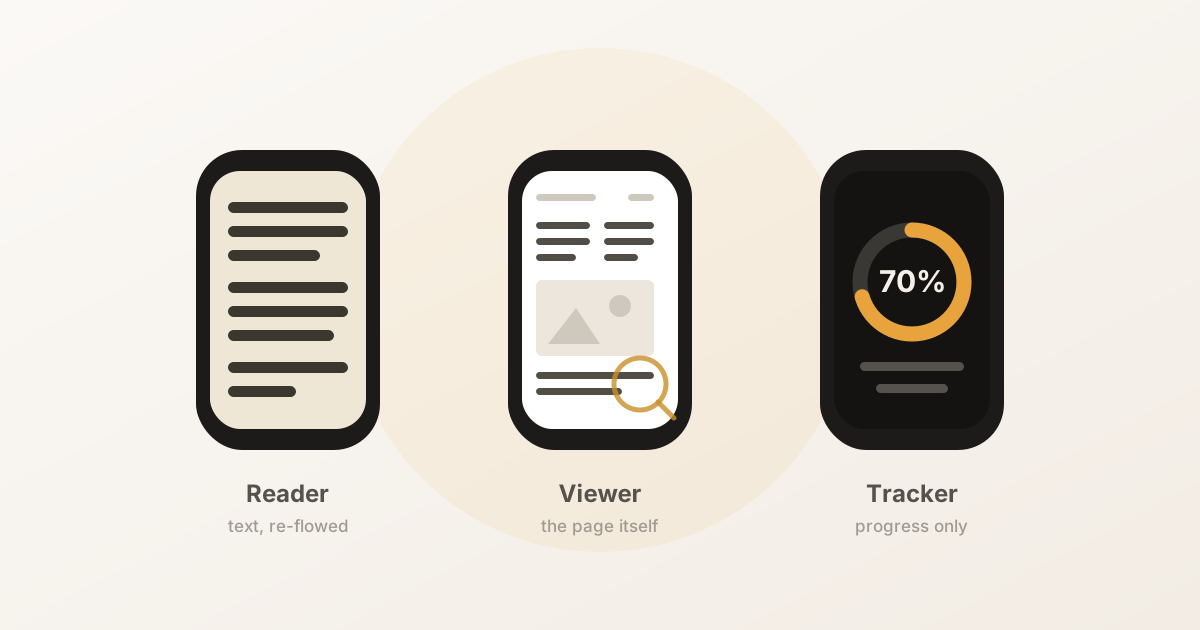
| Reading an EPUB or TXT file | No — needs a third-party app |
| Opening a PDF | No — needs a third-party app |
| Reading a long Mail or Messages thread | Yes, within those apps |
The gap is deliberate rather than technical. Apple has never shipped a reading view for Books on the watch, and DRM-protected purchases from the Books Store can’t be opened by anything else — so an Apple Books purchase is a dead end no matter which app you install. Everything below applies to files you own outright: a DRM-free EPUB, a PDF, a plain text file, a public-domain classic from Project Gutenberg, a manuscript, a long article you saved.
How wrist reading actually works
Every app in this category follows the same shape, because watchOS forces it:
- Import on the iPhone. The watch can’t reach Files, iCloud Drive or your email attachments, so the phone app opens the file.
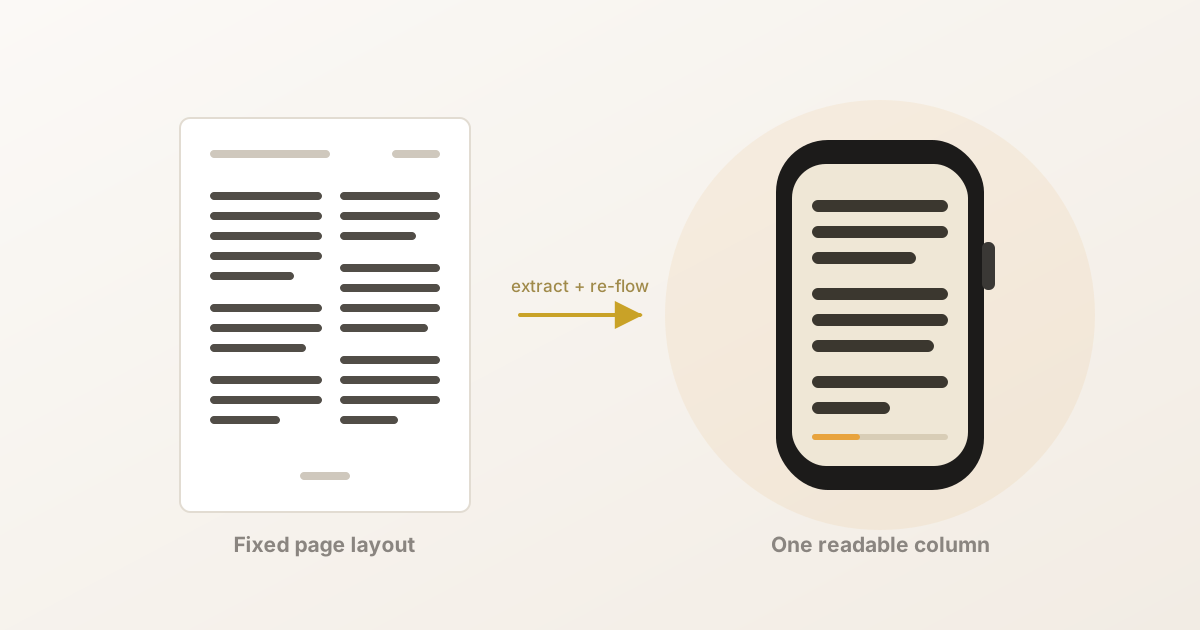
- Parse it into text. EPUB is a zipped bundle of HTML; PDF is a page layout that the text has to be pulled out of. Either way the app extracts plain text and splits it into chapters.
- Transfer to the watch. The text crosses over Bluetooth using
WCSession, Apple’s watch-connectivity framework. Text compresses well — roughly three to five times — so a full-length novel is a small transfer, usually a few seconds to a minute. - Read offline. The book is now stored on the watch. No phone, no network, no account required from that point on.
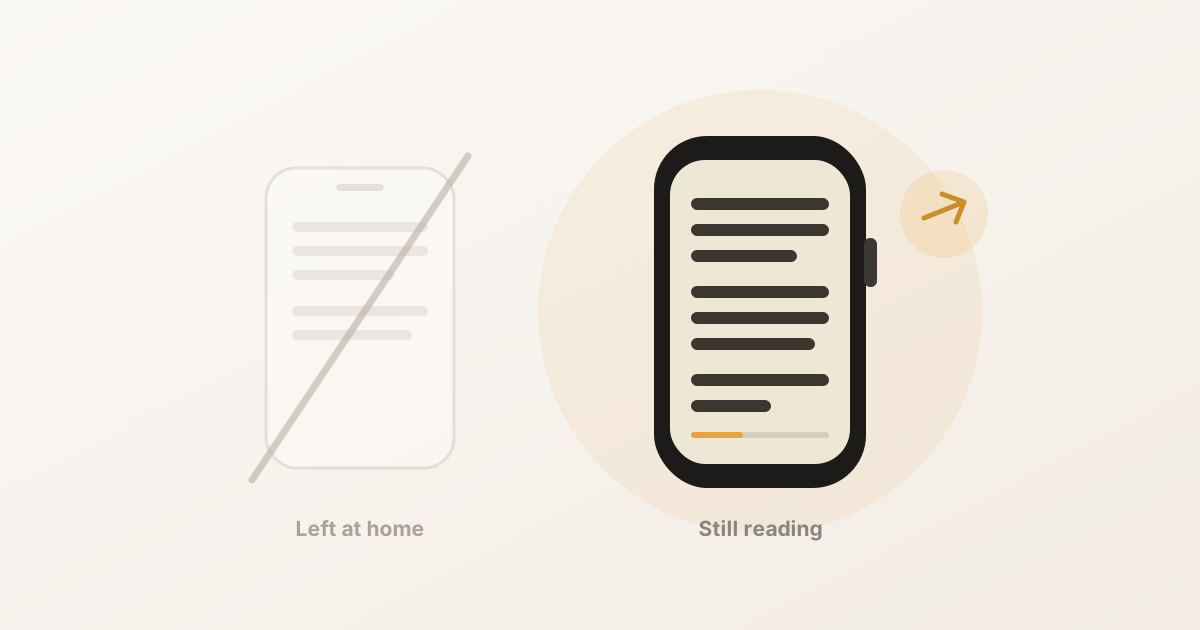
Point 4 is the one that matters. A book that has genuinely landed on the watch can be read in Airplane Mode, on a run, with your phone at home. Apps that merely mirror the phone screen lose that, so it’s worth checking which kind you’re installing.
The apps worth knowing about
There are more of these than you’d expect, and they split cleanly by the format they’re built around. Details below are from each app’s App Store listing as of August 2026 — features change, so check before buying.
| App | Formats | Notable for |
|---|---|---|
| BeeReader | TXT, EPUB, PDF | Auto-scroll, three themes, “continue reading” complication, PDF text cleanup on import |
| Reader for Watch | EPUB, TXT | Fully standalone reading plus Read Aloud text-to-speech |
| EPUB Reader for Watch | EPUB, TXT | RSVP speed reading — one word at a time, 5–200 wpm |
| Wrist Reads | EPUB, PDF, TXT | Library organisation on the phone side |
| TXT Novel Reader for Watch | TXT | Gesture page-turning, aimed at serialised novels |
| WristDocs / PDF Watch Viewer | PDF, DOCX, XLSX, TXT | Documents rather than books — contracts, notes, spreadsheets |
Two things to weigh when choosing. First, format — if your library is EPUB you have plenty of options; if it’s PDF the field narrows sharply, and if it’s DRM-protected Kindle or Apple Books files, nothing here will help. Second, reading style — scrolling prose and RSVP speed reading are genuinely different experiences, and people tend to strongly prefer one.
Getting a book onto your watch
Using BeeReader as the worked example; the other apps follow the same shape.
- Get the file onto your iPhone. Save the EPUB, PDF or TXT into Files or iCloud Drive, or find it as a Mail attachment. Project Gutenberg’s “Plain Text UTF-8” and EPUB downloads both work well.
- Open it in the reader app — either from inside the app, or by using the Share sheet from wherever the file already is.
- Wait for the parse. Chapter detection happens here. A clean EPUB is near-instant; a 400-page PDF takes a moment.
- Send it to the watch. Keep the watch app open the first time and it lands in seconds. In the background it still works — watchOS wakes the watch to receive — but it’s less predictable.
- Open it on the watch and read. Turn the Digital Crown to scroll. Your position saves automatically.
The most common thing that goes wrong is a PDF that arrives as word salad — broken mid-sentence line breaks, page numbers and running headers spliced into the prose. That’s inherent to PDF: the format stores where each piece of text sits on a page, not the sentences. Some apps clean this up on import — BeeReader strips repeated headers and footers, rejoins words hyphenated across a line break, and re-flows sentences that were split by the page layout. If yours doesn’t, converting the PDF to EPUB on a computer first — Calibre is the usual free tool — will give you a much better result.
Making it comfortable
A few settings do most of the work:
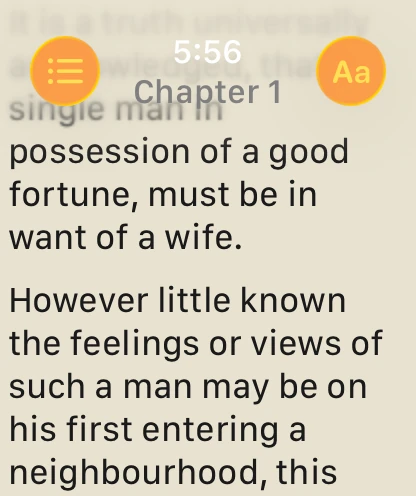
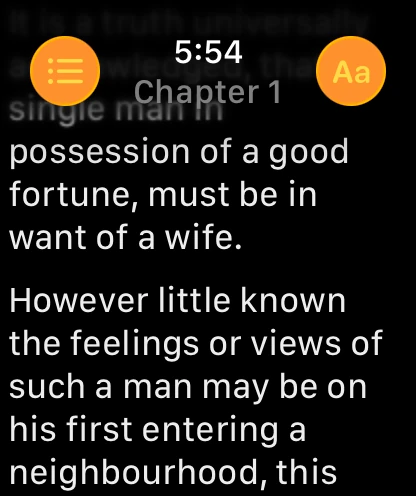
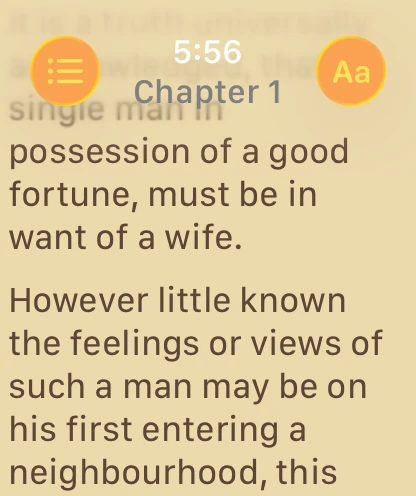
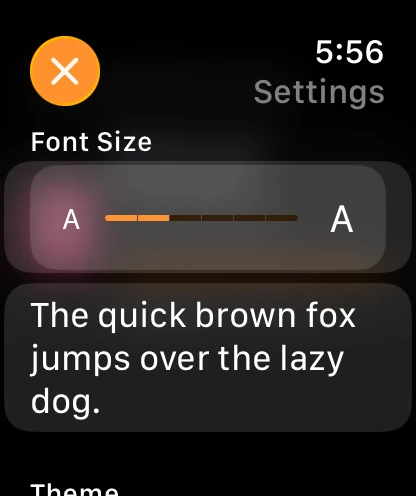
- Font size. Bigger is not automatically better. Too large and you get six words a screen and constant scrolling; too small and you squint. Aim for three to four words per line.
- Theme. On an OLED Apple Watch (Series 4 and later) a black theme saves real battery, since black pixels are off rather than dark. A paper or sepia theme is easier in bright daylight.
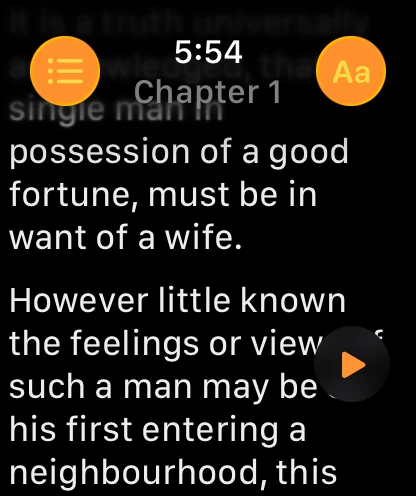
- Auto-scroll, if the app has it, is the feature that changes wrist reading from a novelty into something usable — the text advances at a steady pace and you never touch the watch. Set it slightly slower than you think you need.
- Keep the screen on. In Settings → Display & Brightness → Wake Duration, choose 70 seconds. The default 15 seconds means the screen dies mid-paragraph.
- Theatre Mode stops the screen lighting up every time you move your wrist, which matters if you’re reading in bed.
Is it actually any good?
Honestly: it depends entirely on what you’re expecting.
It is not a Kindle replacement. Nobody is reading Middlemarch end to end on a 45mm screen, and anyone who tells you otherwise is selling something. Long sessions are tiring, and holding your wrist up gets old faster than the reading does.
It is very good at the gaps. The twenty-second and two-minute pockets of a day — waiting for coffee, standing in a queue, on a platform, in a lift — are where it earns its place. Those are moments where getting your phone out isn’t worth it, or where getting your phone out means you’ll surface ten minutes later having read nothing. A watch has no notifications competing for the screen and no next thing to tap. It’s the most distraction-free reading surface most people own.
Roughly 25 to 40 words fit on screen at a comfortable size, which is about one paragraph. That turns out to be a surprisingly natural unit — you read a paragraph, you think about it, you turn the crown. Over a week those pockets add up to more pages than you’d guess.
The other case that keeps coming up from people who use it: running, walking and the gym, where the phone is deliberately left behind.
The short version
- Apple Books on the watch does audiobooks only; there’s no native ebook reading, and DRM-protected purchases can’t be opened by anything else.
- A third-party app can put the text of a DRM-free EPUB, PDF or TXT on your wrist, where it reads fully offline.
- EPUB and TXT work best; PDF needs cleanup, and converting it first gives better results.
- Turn on auto-scroll, set wake duration to 70 seconds, and pick a dark theme to save battery.
- Judge it as a way to read in the gaps, not as a replacement for a real e-reader.
If you want to try it, BeeReader is free to start — the first few books cost nothing, and unlimited imports are a one-time purchase rather than a subscription. It reads TXT, EPUB and PDF, works entirely offline, has no account, and collects no data.
Frequently asked questions
- Can you read ebooks on an Apple Watch?
- Yes. watchOS has no built-in ebook reader, but third-party apps can put the text of an EPUB, PDF or TXT file on your watch and let you read it with the Digital Crown. You import the file on your iPhone, the app sends the text to the watch, and it reads offline from there.
- Does Apple Books work on the Apple Watch?
- Only for audiobooks. The Apple Watch has an Audiobooks app that plays titles from your Apple Books library, but there is no way to read the text of an Apple Books ebook on the watch — those books are DRM-protected and Apple provides no watch reading view.
- Can you read on an Apple Watch without your iPhone nearby?
- Yes, provided the app stores the book on the watch itself rather than streaming it. Once the text has been transferred, reading needs no phone, no Wi-Fi and no cellular — it works in Airplane Mode.
- What file formats can you read on an Apple Watch?
- TXT and EPUB work best, because both are reflowable — the text rewraps to the small screen. PDF is harder, since a PDF has a fixed page layout that has to be extracted and re-flowed before it is readable on a watch. Kindle (AZW/KFX) and DRM-protected Apple Books files cannot be read on a watch at all.
- Does reading on the Apple Watch drain the battery?
- It uses roughly what any screen-on app uses — the display is the main cost, not the reading itself. Expect a similar drain to a long workout view. A dark theme on an OLED Apple Watch (Series 4 and later) is measurably cheaper than a light one, because black pixels are simply switched off.
- Is the Apple Watch screen too small to read a book on?
- For a full novel in one sitting, yes. For the two-minute gaps in a day — a queue, a lift, a wait — it works better than most people expect, because you get about 25 to 40 words on screen at a comfortable size, which is roughly one paragraph.