What BeeTunes does
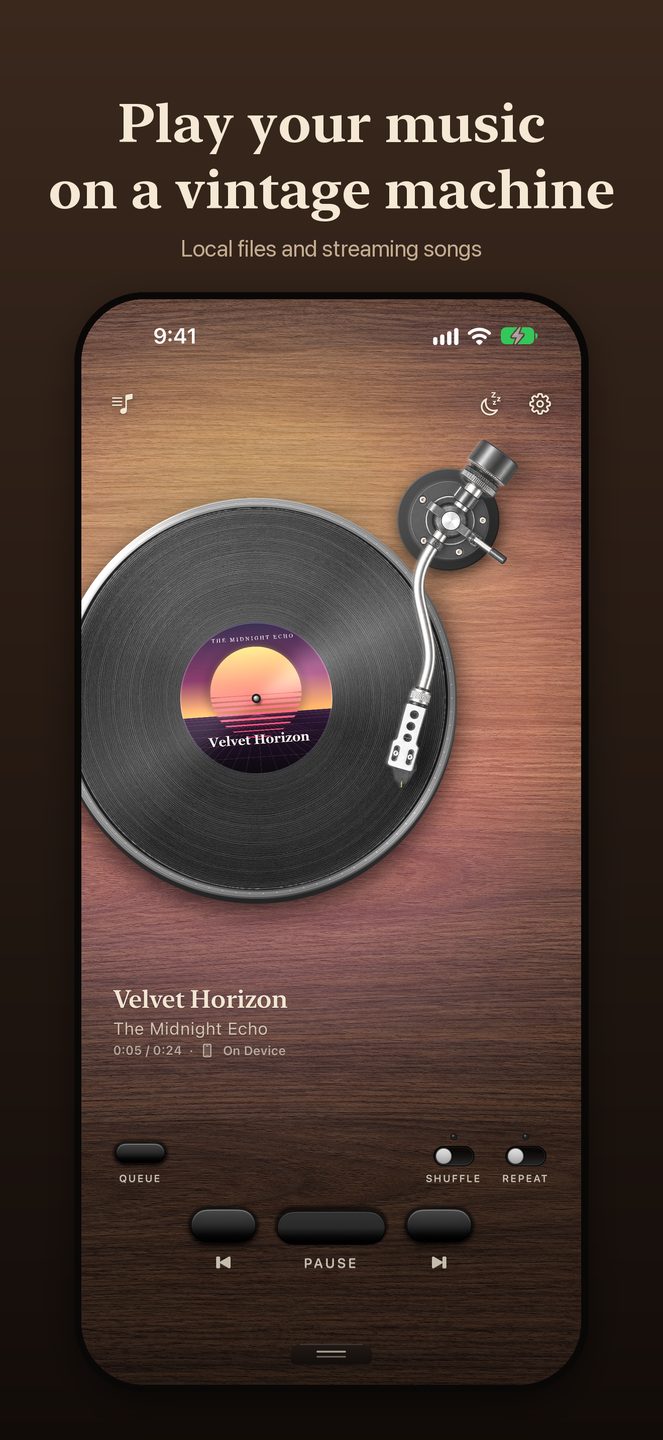
BeeTunes is a music player for iPhone, iPad and Apple Watch that plays your songs on a vintage machine instead of a flat list. Pick a turntable, a cassette deck, a CD deck, a radio or a digital player, and each one works the way the real thing does: the tonearm lowers onto the record, the reels turn, the dial lights up. Swipe sideways to move to the next machine.
All five machines are free. There is no account to create, and BeeTunes collects no data.
Five machines you play with your hands
- Turntable — a walnut record player; drag the tonearm to move through a song
- Cassette deck — the reels turn as the tape plays, and you can wind the tape with a finger
- CD deck — a disc that spins under the lid, with a glowing display
- Radio — a tabletop set with a lit display
- Digital player — a compact player with the up-next queue on its screen
Bring your own music
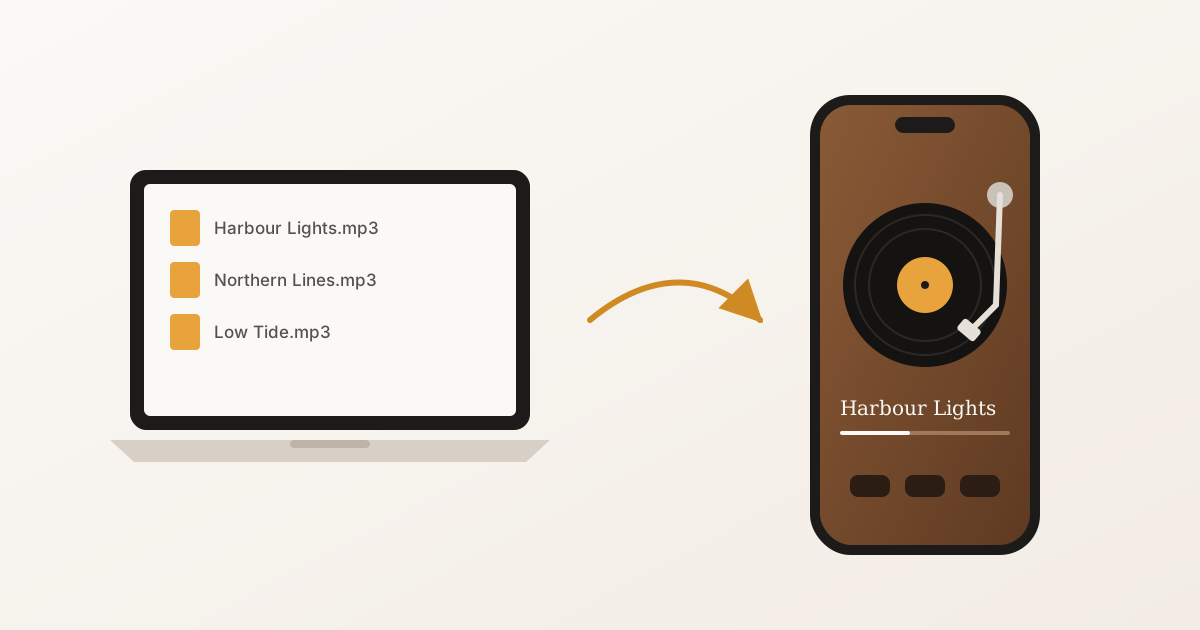
Import songs from the Files app, iCloud Drive, or any app that can share a file — AirDrop and “Open in…” both work. MP3, AAC/M4A, WAV and AIFF are all supported. Imported songs are kept on your device and play with no connection at all: on a plane, on the subway, on a trail.
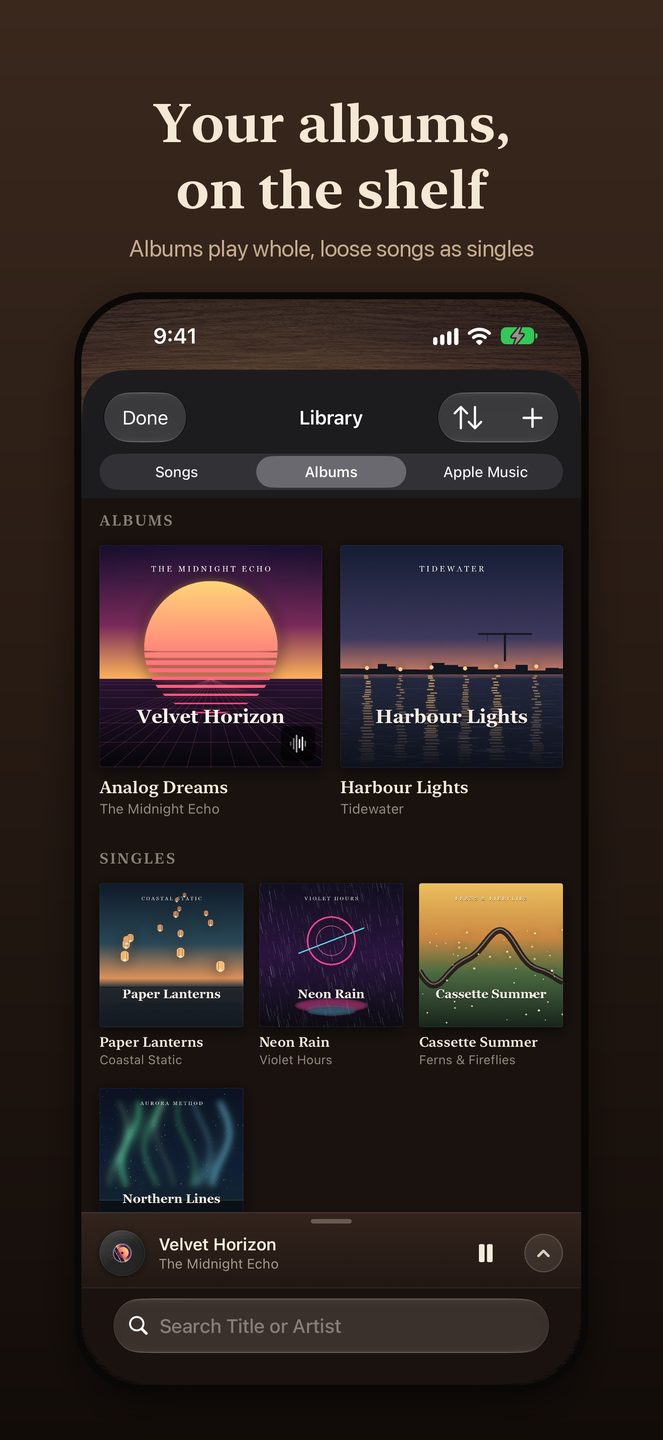
Your library looks like a record collection: every track is a record in its sleeve, and you can tap one to audition it where it sits. Shuffle, repeat, an up-next queue and title or artist search are all there.
Apple Music, on the same machines
If you subscribe to Apple Music, search for songs or whole albums and play them on any machine. Catalog songs you choose are kept in your drawer next to your own music. Streaming needs an internet connection and an active subscription; your imported songs never depend on it.
On iPhone Duo
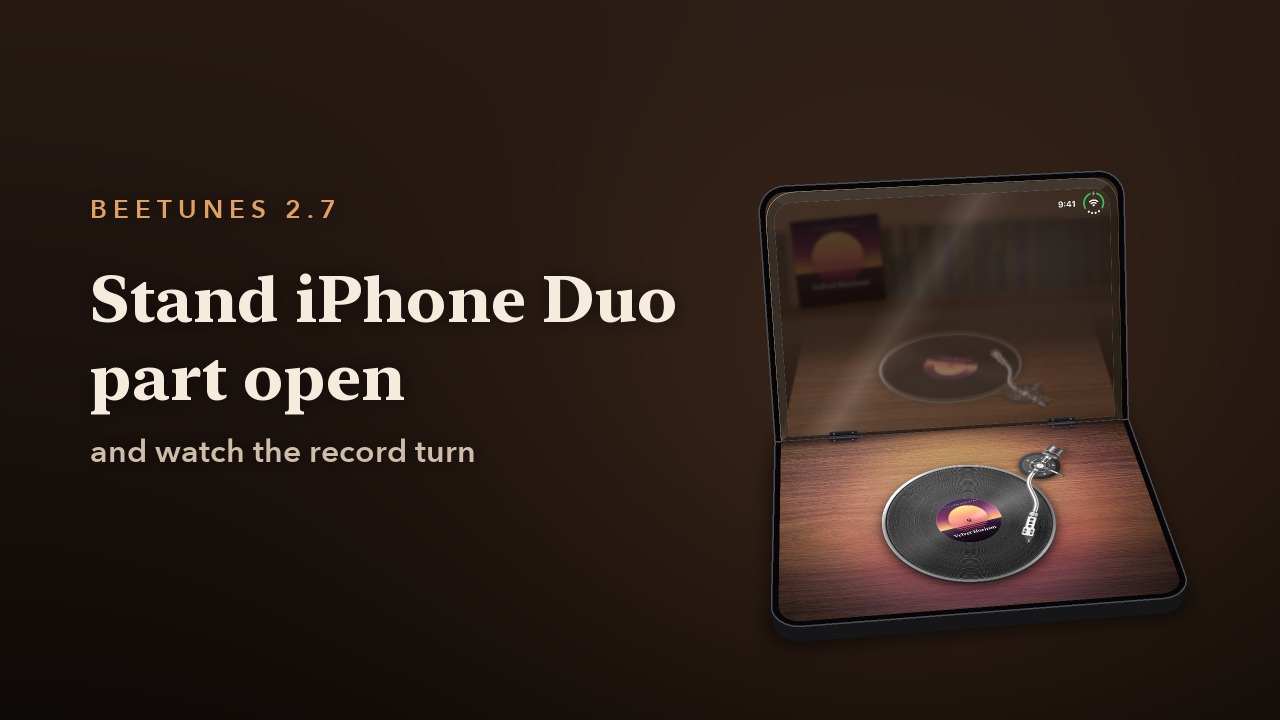
On iPhone Duo, BeeTunes follows the fold. Open it flat and your whole collection stands in a crate to flip through. Stand it part open on a table and the machine plays on the lower half: the turntable under its raised dust cover, the spinning record mirrored in it, or the CD player and cassette deck with the booklet or J-card laid open below, the songs on it there to tap. Pick a record with the Duo open like a book, close it, and the record starts on the outer display.
Home Screen, Lock Screen and Apple Watch
- Interactive Home Screen widgets for every machine; the small turntable widget is free
- Now Playing on the Lock Screen and in Control Center, plus a Lock Screen card that shows the machine you are playing on
- An Apple Watch app to browse and control playback, with the Digital Crown for volume
- Send songs to your Apple Watch and play them from the watch itself — ten songs free
BeeTunes Pro
Everything in the player is free. One purchase, BeeTunes Pro, unlocks the rest of the Home Screen widgets and lets you send your watch as many songs as it will hold. It is a one-time purchase, not a subscription.
Private by design
BeeTunes has no account and no analytics. Songs you import stay on your devices. Apple Music search and playback go through Apple’s MusicKit, and your listening history is stored only on your device.