Guides 1 min read
How to Actually Learn Morse Code in a Week
A practical, no-nonsense plan for learning Morse code from scratch using short daily sessions — the method we built into BeeMorse and use ourselves.
Read article

Type in Morse, right from your wrist.
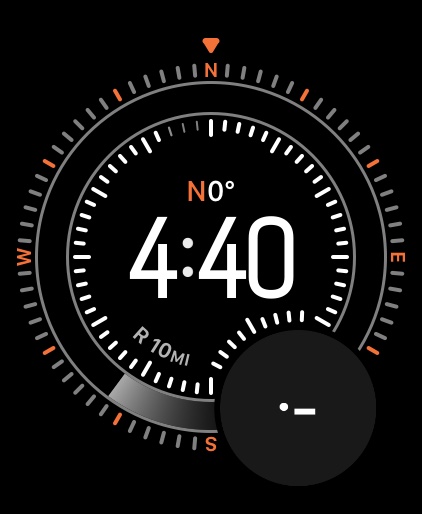
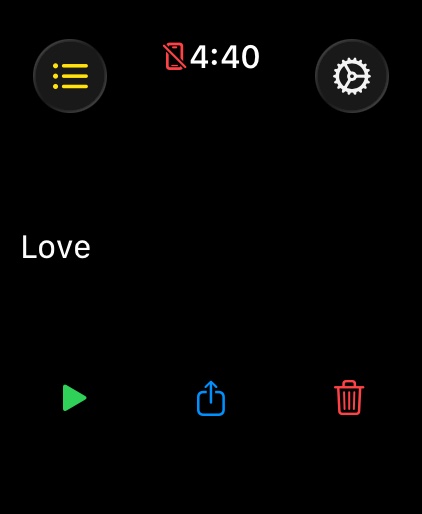
Turn your Apple Watch into a Morse code keyboard. Tap left for a dot, right for a dash, and watch your taps decode into text in real time — with haptics for every signal, playback and a built-in reference chart.

Writing from the blog related to BeeMorse.
A practical, no-nonsense plan for learning Morse code from scratch using short daily sessions — the method we built into BeeMorse and use ourselves.
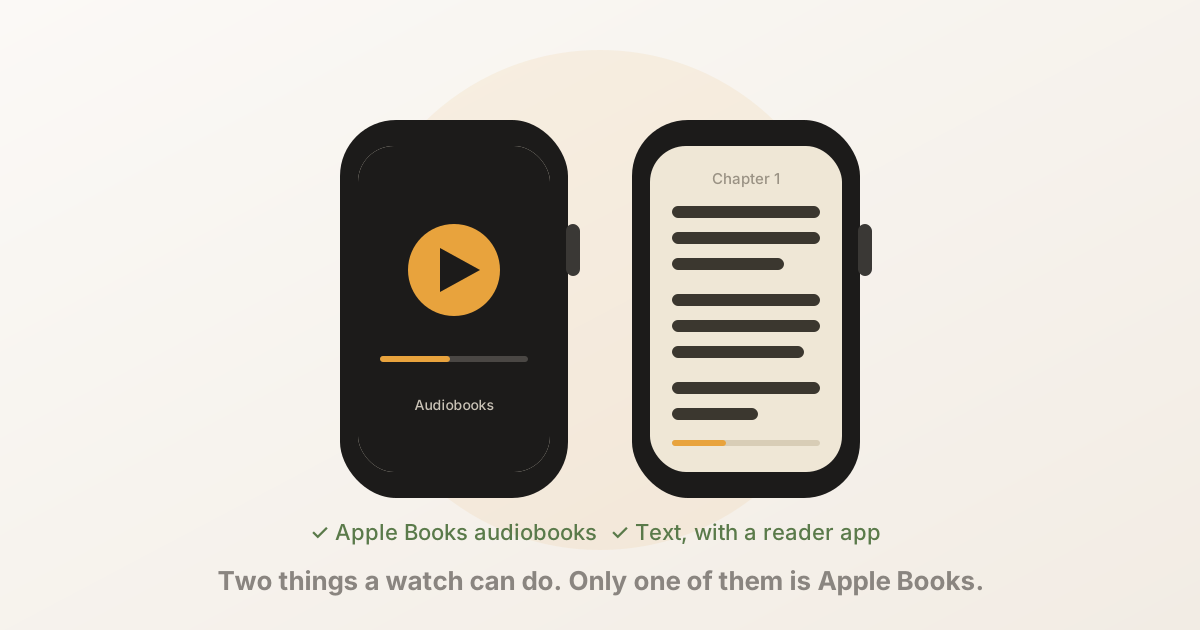
The Apple Watch can play your Apple Books audiobooks, but it cannot show the text of an Apple Books ebook — there is no reading view, and purchases are DRM-protected. Here's exactly what works, what doesn't, and how to read on the watch anyway.
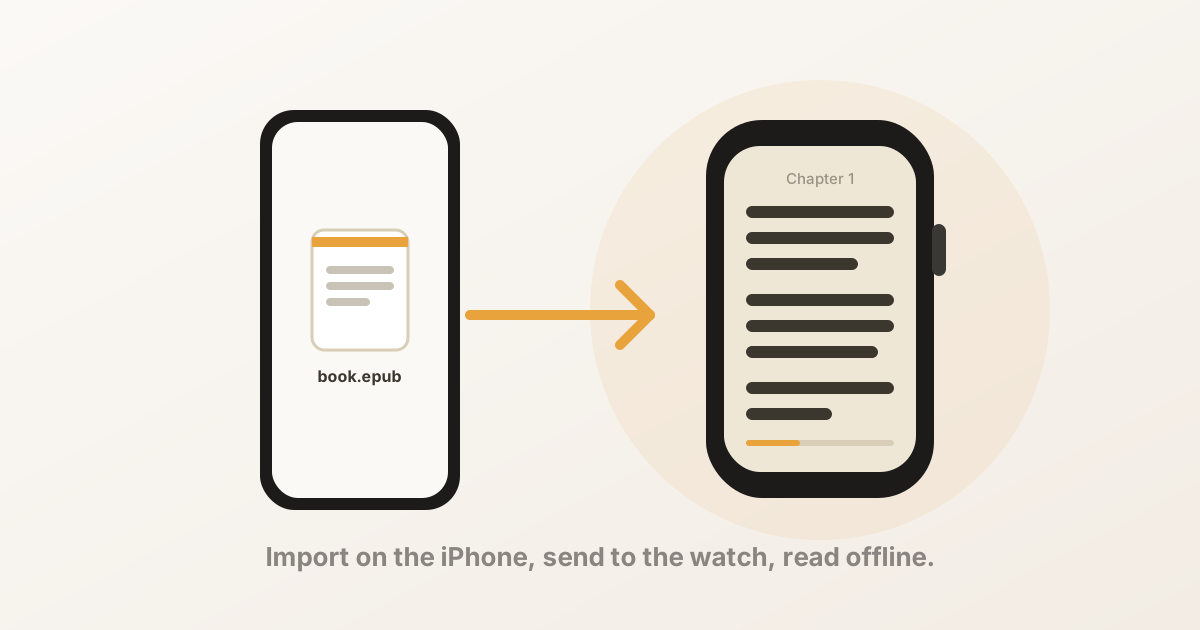
You can read an EPUB on an Apple Watch in three steps: import the file on your iPhone, send it to the watch, and read with the Digital Crown. Here's the full walkthrough, what to do when the book doesn't arrive, and why a DRM-protected EPUB won't work.